
Kinder 1.1 & Kinder 1.4 Special Assembly – Friends
Well done to Ms Josianne, Ms Claudette, Ms Marita and Ms Louise for the Special Assembly – Friends. Keep up the good work!!
Year 1.1 – Special Assembly
Well done to Ms Louise for the Special Assembly – Year 1.1. Thanks also to Ms Dorianne and Ms Rita, the students and all the parents. Keep up the good work!!
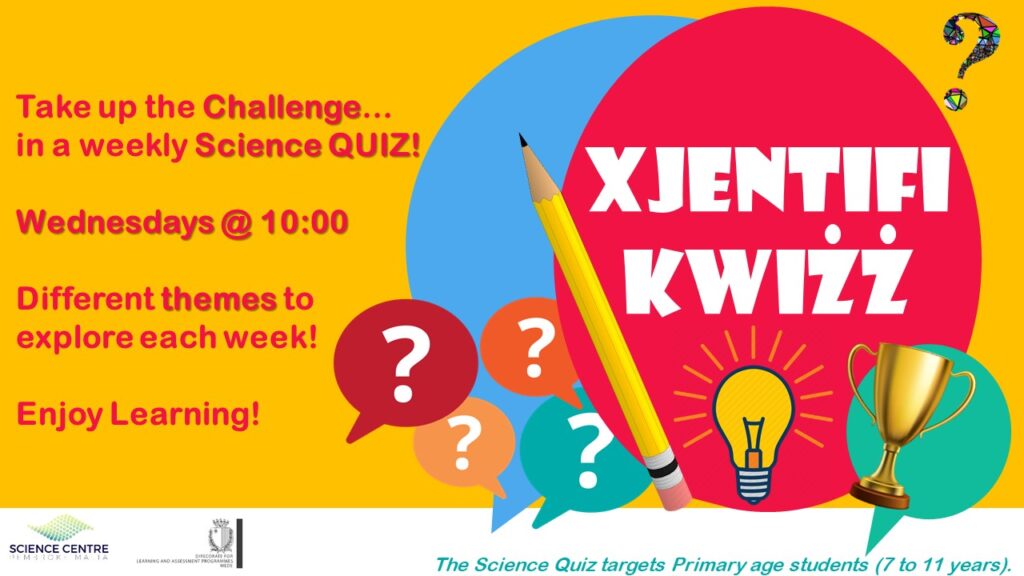
Xjentifikwiżż
1. Visit quizizz.com
2. Click ‘Join a game’
3. Enter the game code: 581497
4. Click ‘Join’
Enjoy Learning!
Note: Ensure that you have a Quizizz account.
The quiz will then be available on Teleskola – Just for Fun – Xjentifikwiżż (https://teleskola.mt/xjentifikwizz/)
Year 5 & Year 6 students
Students will be invited to follow the MEDE Online Sportsfest Facebook page daily to check out on the day’s set challenge. This will be posted at 8 am. Students will have until 6 pm to send the video clip of them performing the prescribed challenge. The latter will cover a wide range of personal physical skills.
Gold, silver and bronze medals will be awarded to the top three boys and top three girls in every category as well as points allocated to the school they represent. For this reason, only video clips featuring students wearing their school’s PE shirt will be accepted.
At the end of the five-day challenge, the winning school per category will be announced.

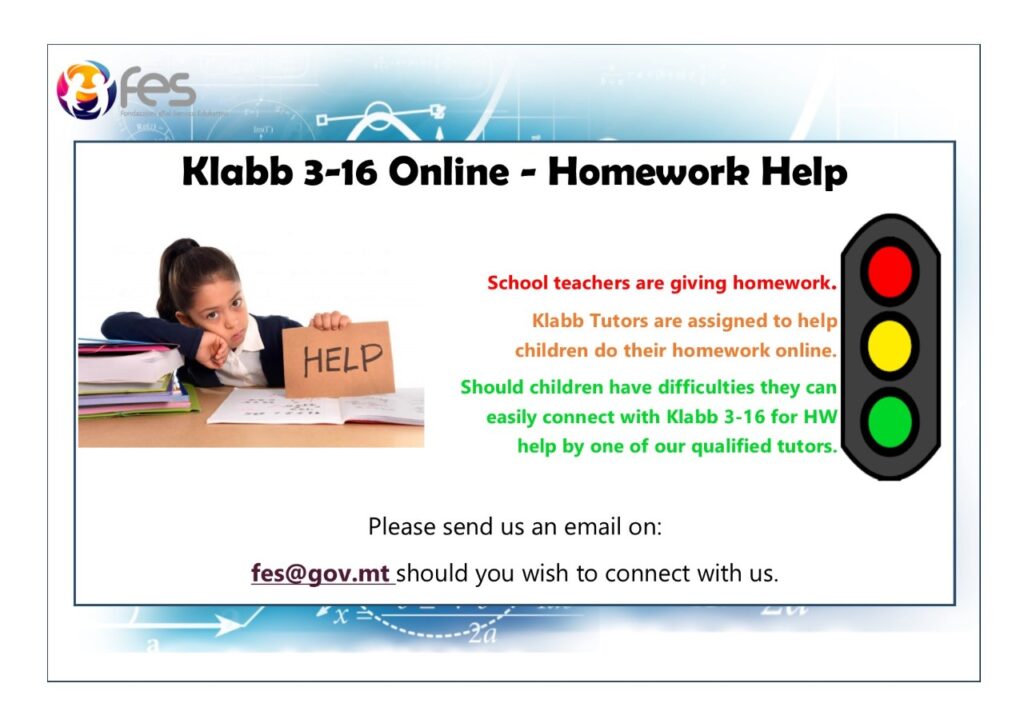
Klabb 3-16 Online – Homework Help
Coronavirus – A book for Children
Find link here: HERE
Teleskola.Mt: Is-Sit Li Se Jwassal Is-Sillabu Edukattiv Fid-Djar
Lesson for Year 4, 5 & 6 students on Microsoft Word
Dear Parents / Guardians
This Wednesday 29th April at 2:00pm , I, together with Ms Laura Schembri, our Digital Literacy HOD, will be holding an Online Lesson with Year 4, 5, 6 students on Microsoft Word. I know that most students know how to use Word – so they need not attend this lesson. However, if there are some students who do not know how to use Word, can attend this lesson. This is the Agenda for the lesson:
1. Introduction to Microsoft Word 2013
2. Creating a Folder in Desktop
3. Saving a Microsoft Word document in this folder
4. Viewing tabs in Microsoft Word 2013
5. Viewing tools in Microsoft Word
6. How to print in Microsoft Word
7. Time for questions from students
This lesson will be about 1 hour 15 minutes long. Click below at about 1.50pm on Wednesday 29th April to attend this lesson: